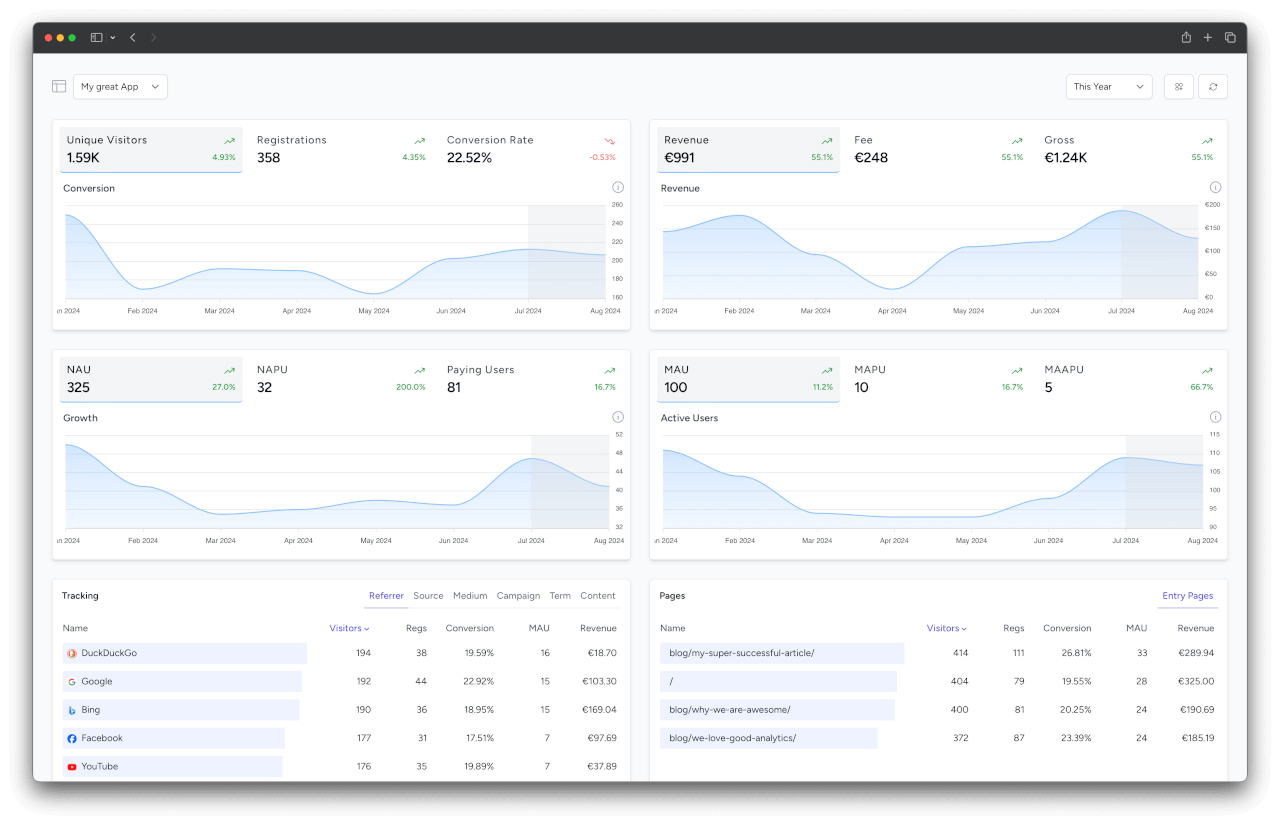
SimpleStats with WordPress
A WordPress site in front of a Laravel app (signup, login and payments in Laravel) uses the beacon script. A native WordPress plugin is not available yet, so the script is added by hand.
1. Prepare your Laravel app
Enable the beacon in the .env of your Laravel app:
SIMPLESTATS_BEACON_ENABLED=trueList the domain of the marketing site in own_domains, otherwise the beacon ignores requests from it and the app records it as a referer:
// config/simplestats-client.php

'own_domains' => [
    'www.my-app.com',
],
2. Add the script
The script has to end up on every page. Pick one of these options:
A header and footer code plugin. Paste the script into the site-wide header or footer field of a plugin like WPCode:
<script src="https://app.my-app.com/assets/v.js" defer></script>Your (child) theme. Enqueue the script in functions.php:
add_action('wp_enqueue_scripts', function () {
    wp_enqueue_script('simplestats', 'https://app.my-app.com/assets/v.js', [], null, [
        'strategy' => 'defer',
        'in_footer' => true,
    ]);
});
Or paste the <script> tag into the theme's footer.php, right before wp_footer(). Use a child theme, otherwise a theme update overwrites the change.
Good to know
- Replace
app.my-app.comwith the domain of your Laravel app. If you changed the beacon path (SIMPLESTATS_BEACON_PATH), adjust the script path as well. - Marketing site and app on sibling subdomains (
www.my-app.comandapp.my-app.com) work with the defaultsessionstorage. On different registrable domains (my-app.comandmy-app.io, or a preview domain), settracking_storagetocache. - Keep the default
Referrer-Policyon the marketing site, or at leastorigin. Withno-referrerno visitors are counted.
All details and caveats: Marketing site outside Laravel and Headless, SPA & Stateless.