How to track custom properties
Custom properties let you attach your own attributes to users and visitors so you can group your analytics by them. A property can be any dimension that matters to your business, for example:
company— the organisation a user belongs to, so you can see which accounts drive the most registrations and revenue.ab_test— the variant a visitor was shown, to compare conversion rate and revenue betweenAandB.account_type,industry,signup_source, ... — really anything you can put a label on.
This is your own data, so the names and values are entirely up to you. SimpleStats just breaks your metrics down by whatever you send.
INFO
Custom property tracking requires version 4.1+ of the SimpleStats client package.
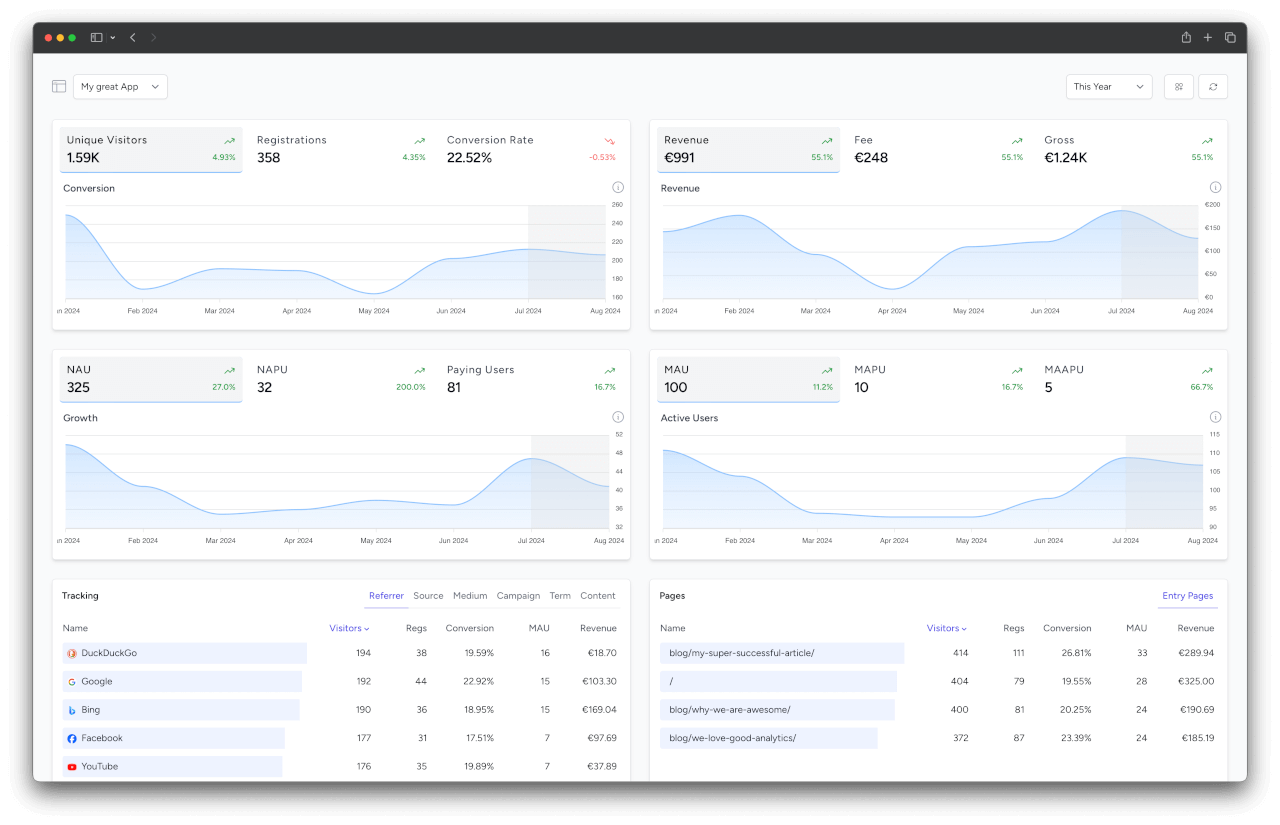
Each property is a name (the grouping dimension, e.g. ab_test) with a value (e.g. B), and your metrics (visitors, registrations, conversion rate, revenue) are broken down by these values.
INFO
A property keeps exactly one current value per entity. Re-tracking a user with a new value overwrites the old one, so revenue and activity always follow the latest value (e.g. a user re-assigned from variant A to B counts under B, including their past revenue). If you need to keep the history apart, report a dedicated value instead of reusing an old one.
Tracking user properties
Register a resolver class in config/simplestats-client.php:
'custom_properties_resolvers' => [
    'user' => App\Analytics\UserCustomPropertiesResolver::class,
],
The class implements the ResolvesUserCustomProperties contract and is invoked with the user model you already track. It returns the current properties as a name => value map. They are sent automatically whenever the user is tracked, no extra call needed.
namespace App\Analytics;

use SimpleStatsIo\LaravelClient\Contracts\ResolvesUserCustomProperties;
use SimpleStatsIo\LaravelClient\Contracts\TrackablePerson;

class UserCustomPropertiesResolver implements ResolvesUserCustomProperties
{
    public function resolve(TrackablePerson $user): array
    {
        return [
            'ab_test' => $user->experiment_variant, // e.g. "A" or "B"
            'company' => $user->company_name,
        ];
    }
}
The resolver runs on every track, so it is also the place to derive values, not just read them off a column.
Value rules and limits:
- Values should be scalar (string, number, or boolean). Non-scalar or empty values are ignored.
- Names and values are trimmed to 252 characters.
- A single track request may include up to 50 properties.
Tracking visitor properties
For properties that should be attached to a visitor right away, e.g. an A/B test variant assigned on the landing page, register a resolver class the same way:
'custom_properties_resolvers' => [
    'visitor' => App\Analytics\VisitorCustomPropertiesResolver::class,
],
The class implements the ResolvesVisitorCustomProperties contract and is invoked at the moment a new visitor is tracked. The resolved properties are sent along with the visitor track itself:
namespace App\Analytics;

use Illuminate\Http\Request;
use Illuminate\Support\Arr;
use SimpleStatsIo\LaravelClient\Contracts\ResolvesVisitorCustomProperties;

class VisitorCustomPropertiesResolver implements ResolvesVisitorCustomProperties
{
    public function resolve(Request $request): array
    {
        // assign the variant on the spot and keep it for the rest of the visit
        $variant = $request->session()->remember('ab_variant', fn () => Arr::random(['A', 'B']));

        return ['ab_test' => $variant];
    }
}
Tracking properties manually
Use trackCustomProperties() to set properties on demand, anywhere in your application:
use SimpleStatsIo\LaravelClient\Facades\SimplestatsClient;
use SimpleStatsIo\LaravelClient\Visitor;

// for the current visitor (e.g. an A/B test variant known before sign-up)
SimplestatsClient::trackCustomProperties(
    properties: ['ab_test' => 'B'],
    person: new Visitor(SimplestatsClient::getVisitorHash()),
);

// for a logged-in user
SimplestatsClient::trackCustomProperties(
    properties: ['ab_test' => 'B'],
    person: auth()->user(),
);
The user or visitor must already be tracked, for visitors this happens automatically on their first page view. Properties for a visitor that was never tracked (e.g. a bot, a blocked IP, or an excluded route) are skipped.
Inheritance on sign-up
Properties tracked for a visitor are inherited by the user registration of the same visit: when the visitor signs up, their current properties (e.g. the A/B test variant) are sent along with the user track automatically. This way registrations, conversion rate, and revenue can be grouped by properties that were assigned before sign-up. Properties from the user resolver win on name conflicts.