How to track a custom event
Custom events let you track any user action in your application, such as button clicks, plan upgrades, feature usage, or anything else that matters to your business.
INFO
Custom event tracking requires version 3.3+ of the SimpleStats client package.
Enabling Custom Events
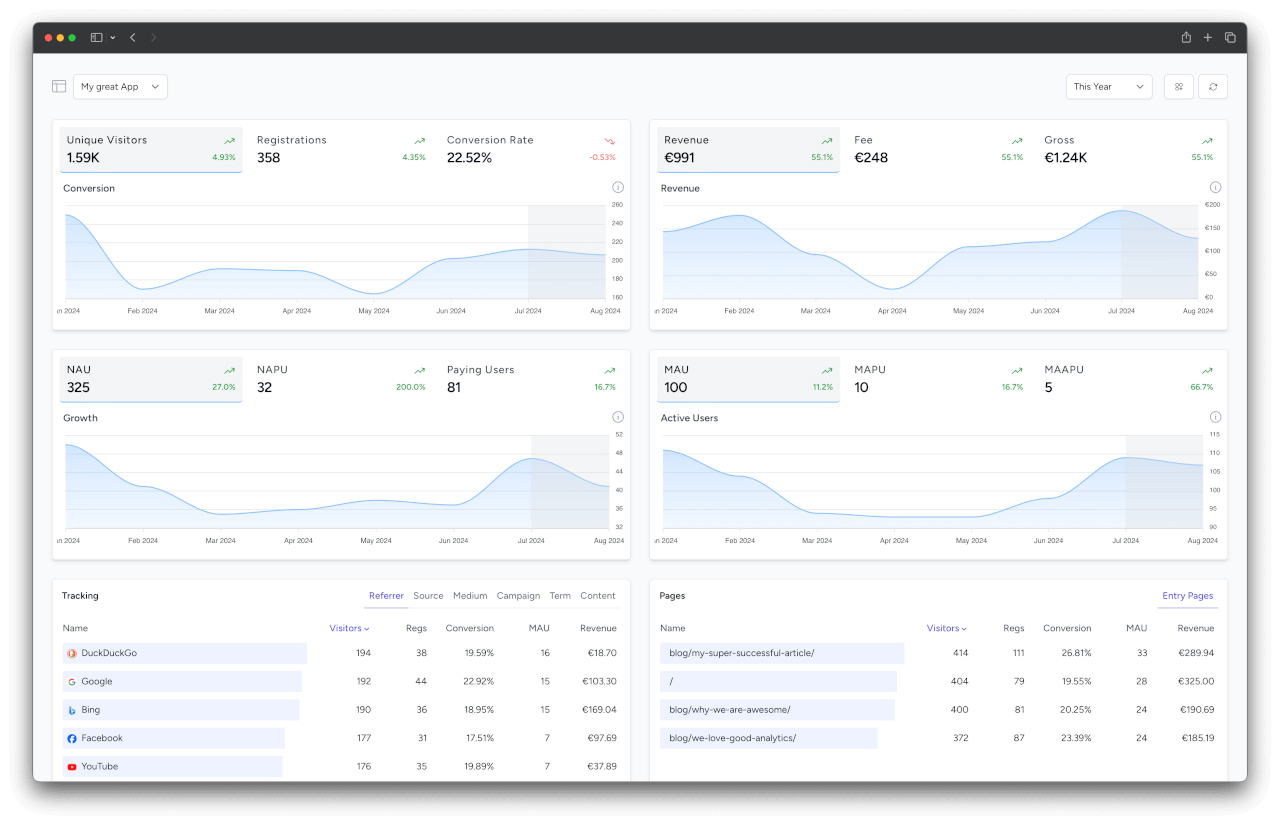
There is nothing to enable: custom events are always available for every project. The Events group shows up on the dashboard as soon as your project has tracked its first custom event.
Tracking an Event
Use the SimplestatsClient facade to track a custom event anywhere in your application:
use SimpleStatsIo\LaravelClient\Facades\SimplestatsClient;

SimplestatsClient::trackCustomEvent(
    id: 'evt-' . Str::uuid(),
    name: 'Button Clicked',
    person: $user,
);
Parameters:
| Parameter | Type | Description |
|---|---|---|
| id | string | A unique identifier for this event. Must be unique per project. |
| name | string | The event name (e.g. "Button Clicked", "Plan Upgraded"). Events with the same name are grouped. |
| user | TrackablePerson | The user or visitor associated with the event. |
With a User
If the event is triggered by an authenticated user, pass the user model directly:
SimplestatsClient::trackCustomEvent(
    id: 'evt-' . Str::uuid(),
    name: 'Plan Upgraded',
    person: auth()->user(),
);
With a Visitor
If no user is available (e.g. a visitor clicking a CTA before signing up), you can pass a Visitor object using the current visitor hash:
use SimpleStatsIo\LaravelClient\Visitor;

SimplestatsClient::trackCustomEvent(
    id: 'evt-' . Str::uuid(),
    name: 'CTA Clicked',
    person: new Visitor(SimplestatsClient::getVisitorHash()),
);
INFO
The visitor must already be tracked, which happens automatically on their first page view. Events for a visitor that was never tracked (e.g. a bot, a blocked IP, or an excluded route) are skipped, since they could never be attributed.