Agent Setup
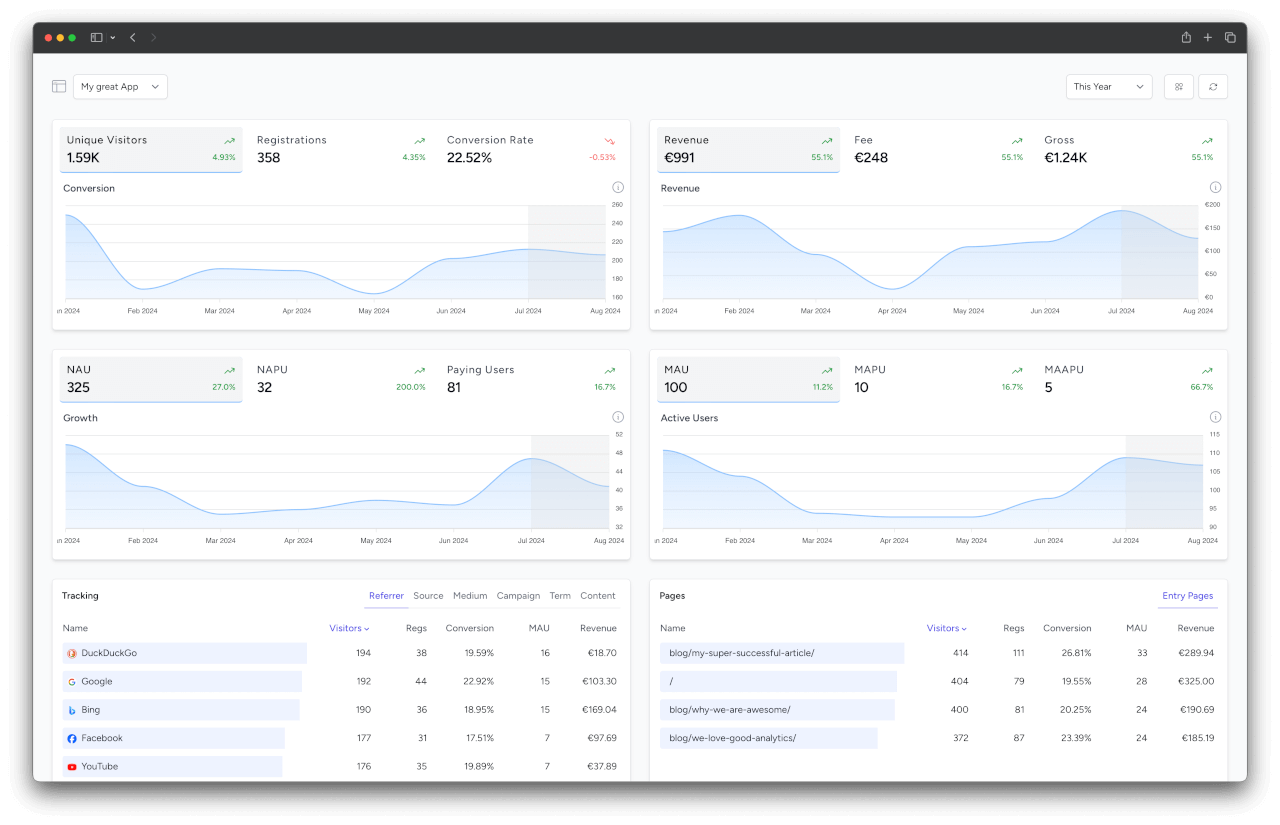
These are the official instructions from SimpleStats for AI agents to connect the SimpleStats MCP server. Once connected, the user can ask questions about their analytics (visitors, registrations, revenue, MRR, campaigns, ...) in plain language. For humans, the same setup is documented in MCP Server.
Complete the steps yourself by running the commands or editing the config files directly. Do not ask the user to do it, except for providing the API token.
1. Gather the Details
- MCP endpoint: use the endpoint from the user's prompt. If there is none, use
https://simplestats.io/mcp. Self-hosted installations usehttps://<their-domain>/mcp. - API token: ask the user for the API token of the project they want to analyze. They find it in the SimpleStats app on the project page. A token only grants access to its own project. To analyze several projects, register one server per project with distinct names (e.g.
simplestats-shop,simplestats-blog).
Handle the token with care:
- Store it only in the user-level config of the agent, never in a file inside a project repository that could be committed.
- Do not echo the token back in your replies.
- If a SimpleStats server already exists, ask the user whether to replace it or to add the new project as a second server with a distinct name.
2. Register the Server
Use the section for your agent and replace MCP_ENDPOINT and API_TOKEN with the values from step 1.
Claude Code
claude mcp add --transport http --scope user simplestats MCP_ENDPOINT \
  --header "Authorization: Bearer API_TOKEN"
Codex
Add to ~/.codex/config.toml:
[mcp_servers.simplestats]
url = "MCP_ENDPOINT"
http_headers = { "Authorization" = "Bearer API_TOKEN" }
Cursor
Add under "mcpServers" in ~/.cursor/mcp.json (create the file if it does not exist):
"simplestats": {
    "url": "MCP_ENDPOINT",
    "headers": { "Authorization": "Bearer API_TOKEN" }
}
VS Code (GitHub Copilot)
Add to the user mcp.json (command MCP: Open User Configuration). Do not ask for the token in this case: VS Code prompts for it on first use and stores it securely. Merge into existing "inputs" and "servers" entries:
{
    "inputs": [
        { "type": "promptString", "id": "simplestats-token", "description": "SimpleStats API token", "password": true }
    ],
    "servers": {
        "simplestats": {
            "type": "http",
            "url": "MCP_ENDPOINT",
            "headers": { "Authorization": "Bearer ${input:simplestats-token}" }
        }
    }
}
OpenCode
Add under "mcp" in ~/.config/opencode/opencode.json. "oauth": false is required, otherwise OpenCode tries an OAuth flow instead of using the token:
"simplestats": {
    "type": "remote",
    "url": "MCP_ENDPOINT",
    "enabled": true,
    "oauth": false,
    "headers": { "Authorization": "Bearer API_TOKEN" }
}
Claude Desktop
Claude Desktop expects OAuth for remote servers, so bridge the bearer token with mcp-remote. Add under "mcpServers" in claude_desktop_config.json (macOS: ~/Library/Application Support/Claude/, Windows: %APPDATA%\Claude\):
"simplestats": {
    "command": "npx",
    "args": ["mcp-remote", "MCP_ENDPOINT", "--header", "Authorization: Bearer API_TOKEN"]
}
Other Agents
Register a remote MCP server using streamable HTTP with the URL MCP_ENDPOINT and the header Authorization: Bearer API_TOKEN, following your agent's MCP documentation.
3. Verify
If your agent can load the new server without a restart, call the list-stats-capabilities tool and show the user the projects it returns. A 401 means the token is wrong, ask the user to check it.
4. Finish
Tell the user:
- where the server was configured (agent and config file),
- to restart the agent if the tools are not available yet,
- an example question to try, e.g. "How many registrations did I get last month?"